
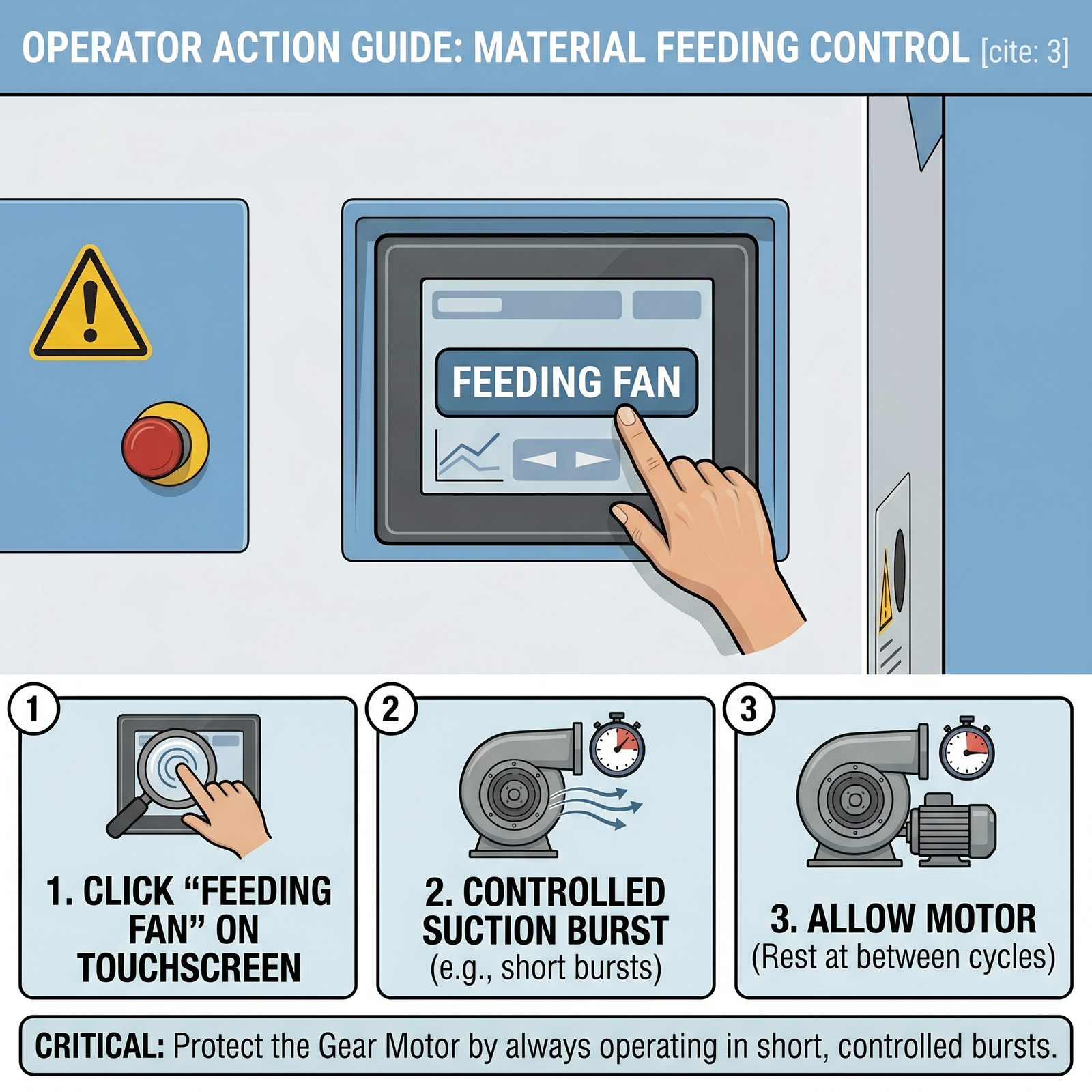
Prerequisites for material feeding control
Quick Answer (TL;DR): To properly feed natural down into your FUDA Automatic Down Filling Machine, insert the feeding tube into your raw material bag and activate the Feeding Fan via the touchscreen. To replace the material, you must turn off the gear motor, switch to Manual mode, and use the fan to empty the main storage box into a bag before loading the new down. Never run the feeding fan continuously to protect the gear motor from damage.
Prerequisites and Safety Warnings
Prevent Continuous Operation: The feeding fan is designed to operate in short bursts (typically 60 seconds). Continuous, uninterrupted feeding is strictly prohibited to protect the gear motor from overheating and failure.
Stop the Gear Motor for Replacement: You must completely stop the gear motor during the entire raw material replacement process.
Contamination Control: Using the automated feeding fan reduces manual labor and prevents the introduction of contaminants that can occur during manual loading. Always manually release or loosen the raw material during the feeding process to ensure no foreign objects are sucked into the main storage box.
Step-by-Step Guide: How to Feed Raw Material
To load new natural down or staple fibers into the machine, follow this standard feeding process:
Prepare the Material: Open the raw material bag.
Insert the Tube: Place the flexible feeding tube (suction path) directly into the raw material bag.
Activate the Fan: Access the work interface on the touchscreen and click the “Feeding Fan” button.
Monitor the Suction: The fan will start to suck the raw material into the main storage box. During this time, manually release and loosen the raw material to prevent any foreign matter from being sucked inside.
Observe the Time Limit: The feed fan will run for a duration of 60 seconds and then stop. If more material is needed, allow the motor to rest before initiating another feeding cycle.
Step-by-Step Guide: How to Replace Raw Material
When switching to a different type of down or fiber, you must empty the existing material from the machine before feeding the new one:
Stop the Motor: Turn off the gear motor.
Switch Modes: Change the material dropped mode to Manual.
Reconfigure the Tubes: Place the inlet of the feeding tube into the left side door of the storage box. Then, place the outlet of the feeding tube into an empty raw material bag and tie it tight to ensure a sealed connection.
Extract the Old Material: Click the “Feeding Fan” button on the work interface of the touchscreen. The fan will now act in reverse, sucking the old raw material out of the storage box and into your attached bag.
Load the New Material: After confirming the storage box is completely empty, you can return to the standard feeding process to load the new raw material into the storage box.
Expert Notice
Correctly configuring the feeding fan’s tube—with the long suction tube connected to the bulk container and the shorter discharge tube connected to the main body—is crucial for maximizing feeding efficiency and maintaining the system’s high-precision weighing capabilities
. Always double-check the tube connections before starting the fan.
