
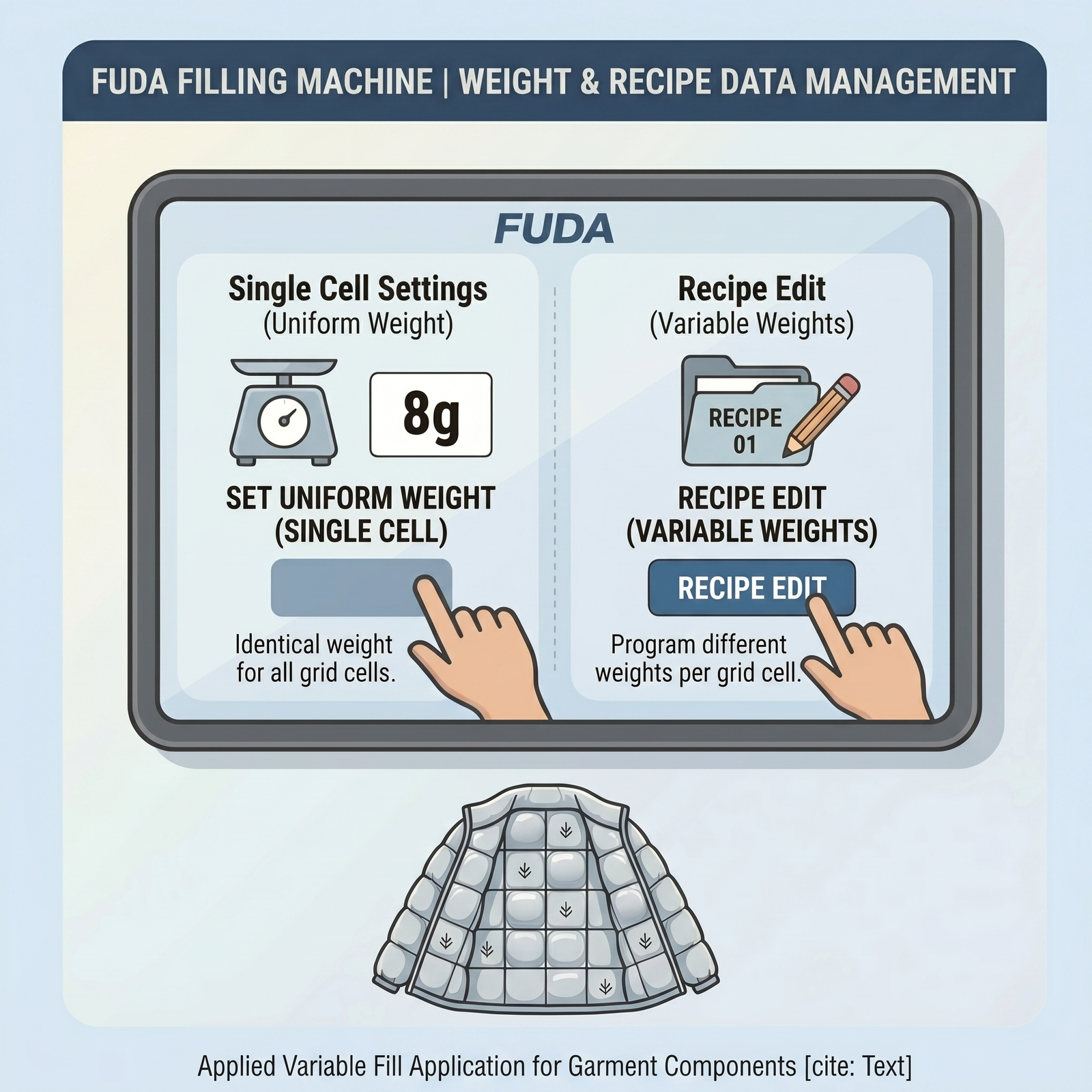
Prerequisites for weight and recipe management
Quick Answer (TL;DR): To set the target weight on the FUDA Automatic Down Filling Machine, use the touchscreen control panel to access two primary modes. Use Single Cell Settings to apply the same weight across all filling grids. Alternatively, use Recipe Edit to program different weight values for individual grids (up to a maximum of 40 grids per recipe).
Prerequisites and General Guidelines
Interface: All weight settings and recipe configurations are managed through the system’s 10-inch HD touch screen.
Grid Limit: A single recipe can store customized weight data for a maximum of 40 grids (cells).
Check the Status: Before editing recipes, ensure the machine is in a “Standby” state rather than actively filling.
——————————————————————————–
Method 1: Single Cell Settings (For Uniform Weight Values)
Use this method when every part of the garment or duvet requires the same weight of filling material.
Access the Interface: From the Work Interface, locate and press the Single Cell Settings button.
Input the Weight: A pop-up window will appear on the screen. Enter the Target Weight you need (for example, “8g”).
Confirm the Entry: Click the Enter button to save the value.
Verification: The system will automatically apply this single target weight to all operational scales. You can verify this by checking the “Target Value” displayed under each scale on the Work Interface.
——————————————————————————–
Method 2: Recipe Edit (For Different Weight Values)
Use this method when different parts of the garment require different weight values.
Access Recipe Edit: Navigate to the Work Interface and click on Recipe Edit (this can also be accessed via Menu Navigation).
Set Identification: Enter a specific ID number and type in the Recipe Name for your new configuration.
Input Variable Weights: You will see a grid numbered from 01 to 40. Enter the Target Weight for each specific cell according to your production requirements (up to a maximum of 40 grids).
Save and Confirm: After inputting all necessary weights, click Save or Enter to store the recipe data into the system’s memory.
Load the Recipe: Return to the Work Interface to ensure your customized recipe is loaded and the different “Target Values” are correctly displayed for the upcoming filling cycle.
Expert Notice
To make your workflow easier, the system lets you manage your recipes efficiently. Inside the Recipe Edit menu, you can use functions like Line Insert, Line New, and Search to modify existing recipes. Additionally, you can easily back up or transfer your recipe data between machines using the USB-export and USB-import functions.
